Getting Started with Google Analytics 4 in 2026: A Practical Beginner’s Guide
What Is Google Analytics 4?
Google Analytics 4 (GA4) is the current generation of analytics offered by Google. It uses an event-based tracking model to measure website and app interactions across devices.
Unlike older session-focused models, GA4 tracks user interactions as events. This approach allows businesses to analyze engagement, conversions, and user journeys in a more flexible way. Features and data availability may vary depending on configuration and regional privacy requirements.
Why GA4 Matters in 2026
In 2026, GA4 remains central to digital measurement because:
-
It supports cross-device tracking.
-
It integrates with advertising platforms such as Google Ads.
-
It is designed with privacy-aware data controls.
-
It supports machine-learning-powered insights (where available).
Analytics tools evolve over time, and platform interfaces may change. However, understanding GA4’s structure helps marketers interpret performance data responsibly and improve campaigns based on measurable insights.
How GA4 Works: The Event-Based Model Explained
GA4 tracks every interaction as an event. Examples include:
-
Page views
-
Scroll depth
-
Video plays
-
Form submissions
-
Purchases
Each event can include parameters (additional details), such as product ID, page title, or traffic source.
This model provides flexibility, but results depend on correct configuration. Proper implementation typically involves structured tagging and validation to ensure accurate reporting.
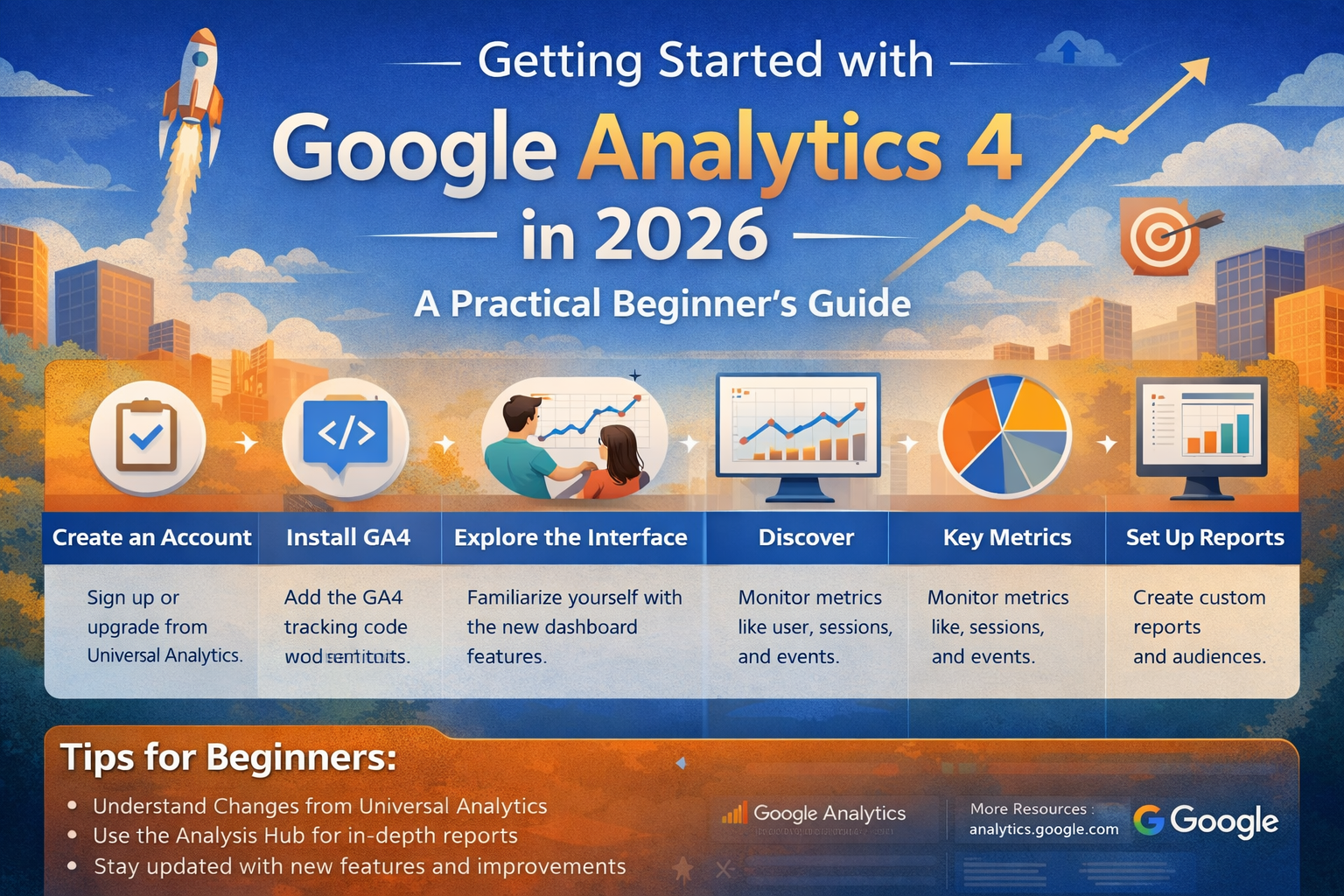
Infographic presenting structural elements commonly associated with analytics platforms.
Step-by-Step: Setting Up GA4 in 2026
1. Create a GA4 Property
Log into your Google Analytics account and create a new GA4 property.
2. Add a Data Stream
Choose your platform:
-
Web
-
iOS app
-
Android app
3. Install Tracking Code
You can implement tracking using:
-
Direct site installation (global site tag)
-
A tag management solution such as Google Tag Manager
Implementation steps may vary depending on your website platform and technical environment.
4. Configure Enhanced Measurement
GA4 allows automatic tracking for certain events such as scrolls and outbound clicks. Review settings to ensure they align with your data collection policies.
5. Define Conversions
Mark important events (e.g., purchases, lead submissions) as conversions inside the GA4 interface.
Always ensure tracking complies with applicable privacy regulations and user consent requirements in your region.
Understanding GA4 Reports
GA4 includes several core reporting sections:
-
Reports Snapshot: Overview of key metrics
-
Realtime: Current user activity
-
Acquisition: Traffic sources
-
Engagement: User interactions
-
Monetization: Revenue-related insights (if applicable)
-
Retention: Returning user behavior
Interpret metrics cautiously. Analytics data provides directional insight rather than guaranteed outcomes.
Configuring Events and Conversions
Event strategy should align with business goals. Common categories include:
-
Micro-conversions (newsletter sign-ups)
-
Macro-conversions (purchases or bookings)
-
Engagement signals (video views, downloads)
Avoid tracking unnecessary data. Collect only information that supports business analysis and respects user privacy standards.
Privacy and Data Compliance Considerations
GA4 includes configurable data retention settings and consent-related adjustments. In many regions, businesses are expected to:
-
Provide transparent privacy notices
-
Obtain user consent for certain cookies or tracking
-
Allow users to manage data preferences
Guidance may differ by jurisdiction, including frameworks inspired by GDPR-style or CCPA-style principles. Always review local regulatory requirements before deploying analytics tracking.
Common Beginner Mistakes
-
Tracking everything without a measurement plan
-
Failing to test events before launch
-
Ignoring consent management
-
Misinterpreting metrics without context
-
Not connecting GA4 to advertising platforms (if relevant)
Structured implementation often improves reporting clarity.
Practical GA4 Setup Checklist
✅ Create GA4 property
✅ Install tracking correctly
✅ Enable enhanced measurement (if appropriate)
✅ Define clear conversion events
✅ Test event firing
✅ Review privacy disclosures
✅ Document your measurement plan
FAQ
1. Is GA4 difficult to learn for beginners?
GA4 has a learning curve due to its event-based structure. With structured setup and practice, many users find it manageable over time.
2. Does GA4 automatically track conversions?
GA4 tracks events, but you must manually mark specific events as conversions.
3. Is GA4 compliant with privacy laws?
GA4 includes configurable privacy controls, but compliance depends on how it is implemented and how consent is managed in your region.
Trusted Sources / Standards
-
Google Search Central
-
Google Analytics Help Center
-
Federal Trade Commission consumer guidance
-
Regional data protection authorities (varies by jurisdiction)
Disclaimer
This content is provided for general educational purposes only. Digital marketing results vary depending on market conditions, platform rules, audience behavior, and execution.
Summary
Google Analytics 4 (GA4) is an event-based analytics platform designed to measure website and app interactions. In 2026, it supports cross-device tracking, customizable events, and privacy-aware controls. Proper setup involves creating a property, installing tracking, defining conversions, and aligning data collection with regional privacy requirements. Results depend on accurate configuration and responsible implementation.