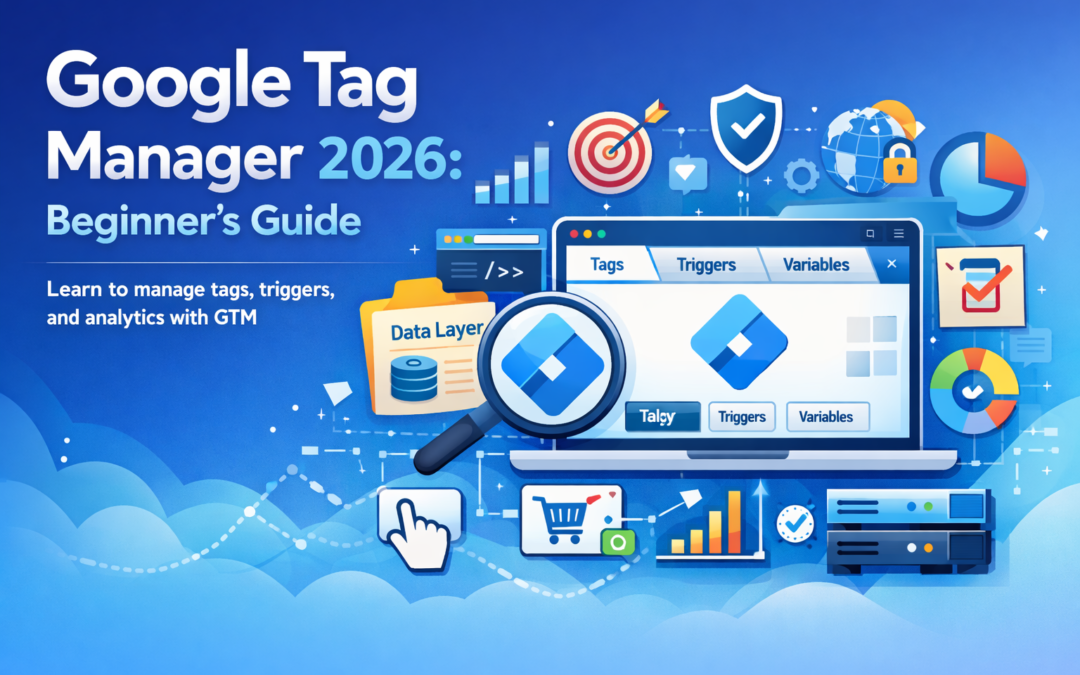
Google Tag Manager 2026: Beginner’s Guide
Introduction
Google Tag Manager (GTM) is commonly used in digital marketing to manage tracking codes without directly editing website source files. Many businesses use tag management systems to streamline analytics deployment, improve workflow efficiency, and reduce reliance on repeated developer updates. Implementation approaches and results may vary depending on website structure, platform rules, and measurement strategy.
Developed by Google, Google Tag Manager continues evolving alongside privacy updates, browser restrictions, and platform measurement standards in 2026. Beginners often use GTM to organize analytics tags, marketing pixels, and event tracking in a structured and scalable way.
What Is Google Tag Manager?
Google Tag Manager is a tag management system (TMS) that allows users to deploy and manage tracking scripts (called tags) through a centralized interface. Instead of adding multiple code snippets manually across pages, GTM enables structured tag deployment using triggers and variables.
In many implementations, GTM acts as a bridge between websites and measurement tools, helping marketers organize:
-
Analytics tracking tags
-
Conversion measurement tags
-
Marketing pixels
-
Event-based interaction tracking
Actual measurement accuracy depends on correct configuration and ongoing validation.
Why Google Tag Manager Matters in 2026
Modern digital marketing increasingly relies on event-based tracking and privacy-aware data collection. Changes in browser policies and platform rules have encouraged marketers to use more structured measurement frameworks.
Common reasons GTM is used include:
-
Centralized tracking management
-
Reduced need for repeated code changes
-
Easier testing environments
-
Better alignment with event-driven analytics models
Requirements and best practices may differ across regions due to data privacy regulations and consent requirements.
Core Components of Google Tag Manager
Understanding the three core building blocks helps beginners implement GTM more effectively.
1. Tags
Tags are snippets of code used to send data to analytics or advertising platforms.
Examples may include:
-
Analytics tracking tags
-
Conversion measurement tags
-
Remarketing pixels
Performance outcomes depend on correct trigger conditions and validation.
2. Triggers
Triggers define when a tag should fire.
Common trigger examples include:
-
Page views
-
Button clicks
-
Form submissions
-
Scroll depth tracking
Trigger accuracy varies based on website structure and user interaction patterns.
3. Variables
Variables store dynamic values used by tags and triggers.
Examples include:
-
Page URLs
-
Click text
-
Form IDs
-
Custom data layer values
Variables help make measurement setups more flexible and scalable.
Basic Google Tag Manager Setup (Beginner Workflow)
While implementation details vary by platform, a simplified workflow often includes:
-
Create a GTM account and container
-
Install the container snippet on your website
-
Configure a basic analytics tag
-
Set a page-view trigger
-
Use preview mode for validation
-
Publish the container after testing
Testing is commonly recommended to reduce tracking inconsistencies.
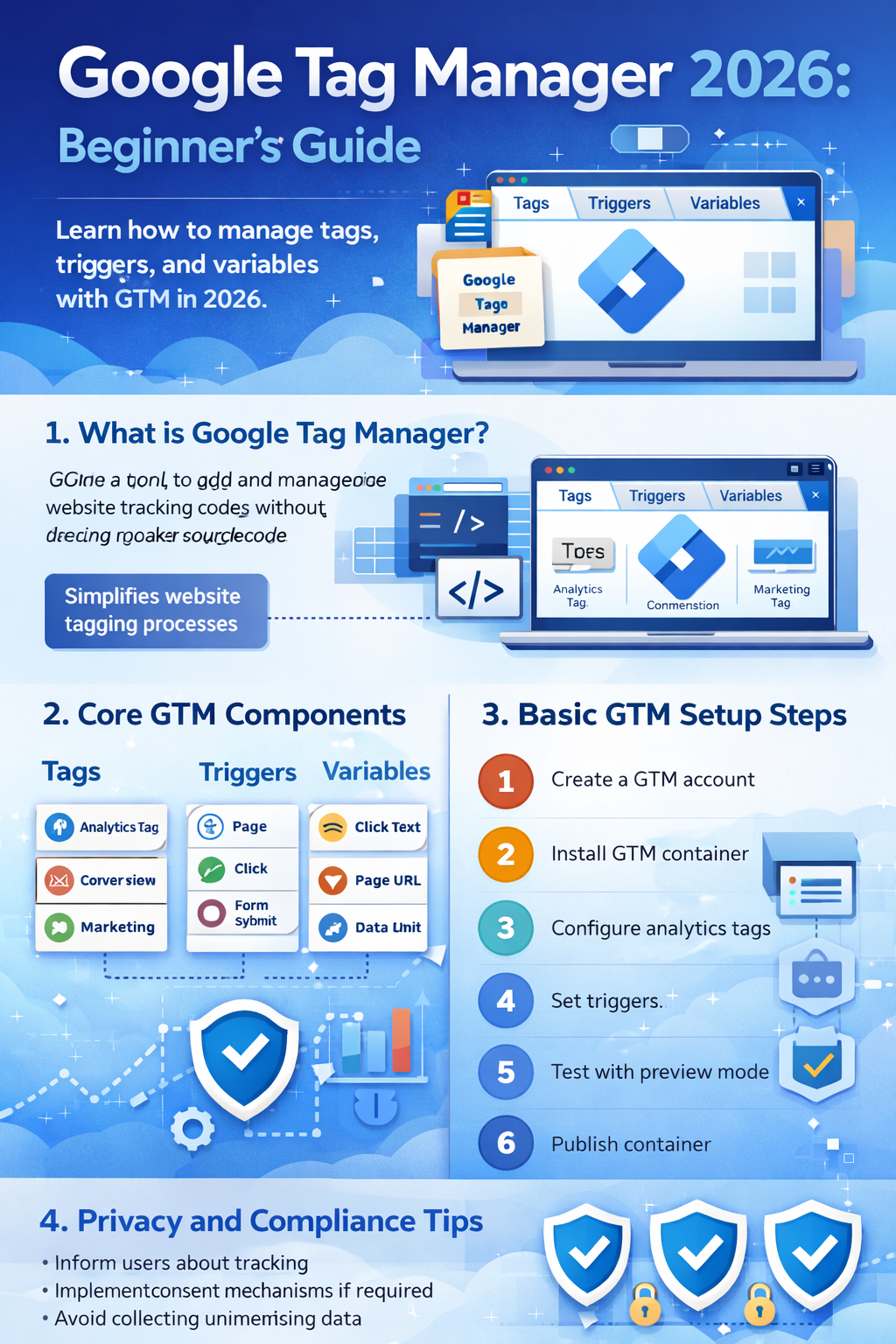
Overview infographic of Google Tag Manager 2026 features and setup workflow.
Understanding the Data Layer (Beginner Concept)
The data layer is a structured method used to pass information from a website into GTM. It helps organize event data more reliably compared to relying only on page elements.
Examples of data layer usage may include:
-
Ecommerce transaction data
-
User interaction events
-
Content engagement signals
Implementation approaches often depend on website frameworks and developer collaboration.
Privacy and Compliance Considerations
Tracking implementation should follow transparent data practices and applicable privacy standards.
In many regions, commonly recommended practices include:
-
Informing users about tracking technologies
-
Implementing consent mechanisms where required
-
Avoiding unnecessary data collection
-
Reviewing platform policies regularly
Privacy requirements differ by jurisdiction and platform.
Platforms Commonly Integrated with Google Tag Manager
Google Tag Manager is often used alongside analytics and advertising ecosystems, depending on campaign strategy.
Common integrations may include:
-
Analytics platforms
-
Advertising measurement tools
-
Conversion tracking systems
Examples of platforms businesses frequently connect include:
-
Meta Platforms advertising tools
-
TikTok advertising measurement
-
YouTube engagement tracking
Implementation methods vary depending on platform requirements.
Beginner Mistakes to Avoid
Some common setup issues include:
-
Publishing containers without testing
-
Tracking duplicate events
-
Missing trigger conditions
-
Not documenting tag configurations
-
Ignoring consent requirements
Regular audits are often recommended to maintain tracking accuracy.
Practical Beginner Checklist
Google Tag Manager Starter Checklist
-
Install GTM container correctly
-
Use preview mode before publishing
-
Document tags and triggers
-
Validate event tracking
-
Review privacy and consent setup
-
Monitor analytics after deployment
Measurement reliability depends on ongoing testing and updates.
FAQ
Is Google Tag Manager difficult for beginners?
Google Tag Manager has a learning curve due to its event-based structure. With structured tutorials and practice, many beginners gradually become comfortable with basic configurations.
Does Google Tag Manager replace analytics tools?
Google Tag Manager does not replace analytics platforms. It is commonly used to deploy and manage tracking tags that send data to analytics systems.
Do I need coding skills to use Google Tag Manager?
Basic setups often require minimal coding, but more advanced implementations may involve developer collaboration depending on website complexity.
Trusted Sources & Standards
-
Google Search Central documentation
-
Google Analytics Help Center
-
Meta Business Help Center
-
TikTok Business Help Center
-
Global consumer protection and privacy guidance (general educational reference)
Summary
Google Tag Manager is a tag management system widely used to organize website tracking without editing source code repeatedly. Beginners typically learn how tags, triggers, and variables work together to manage analytics and marketing measurement. Implementation practices vary depending on platform rules, privacy requirements, and website structure, and results depend on correct configuration and ongoing testing.
Disclaimer
This content is provided for general educational purposes only. Digital marketing results vary depending on market conditions, platform rules, audience behavior, and execution.