Beginner’s Guide to Bing Ads (Microsoft Advertising)
This content is educational and does not provide financial, legal, or business guarantees. All guidance is general and based on commonly available platform information.
Content Outline
- Introduction / AI Overview Safe Summary
- What Is Bing Ads (Microsoft Advertising)?
- Why Consider Bing Ads in 2026
- Getting Started: Account & Campaign Setup
- Core Ad Types and When to Use Them
- Keyword Strategy, Targeting & Negatives
- Tracking, Optimization & Measurement
- Platform Policy & Best Practices
- Common Myths & Pitfalls to Avoid
- Meta Description, FAQs, Trusted Sources & Disclaimers
Overview
Bing Ads (Microsoft Advertising) is a pay-per-click (PPC) platform that lets businesses show ads on Bing search and partner networks. It supports a range of ad types (search, shopping, audience), offers keyword and demographic targeting, and integrates tools to help measure performance. This beginner’s guide teaches you how to start, structure campaigns, and avoid common PPC pitfalls. (50–70 words)
What Is Bing Ads (Microsoft Advertising)?
“Bing Ads” refers to Microsoft Advertising, Microsoft’s PPC advertising platform for search results and partner sites. It allows advertisers to bid on keywords and show ads to users searching on Bing, Yahoo, and Microsoft partner properties. The platform also incorporates audience placements on the Microsoft Audience Network and supports product and multimedia ads.
This system works like other search ads platforms — advertisers pay when users click their ads — and it focuses on reaching users with specific intent.
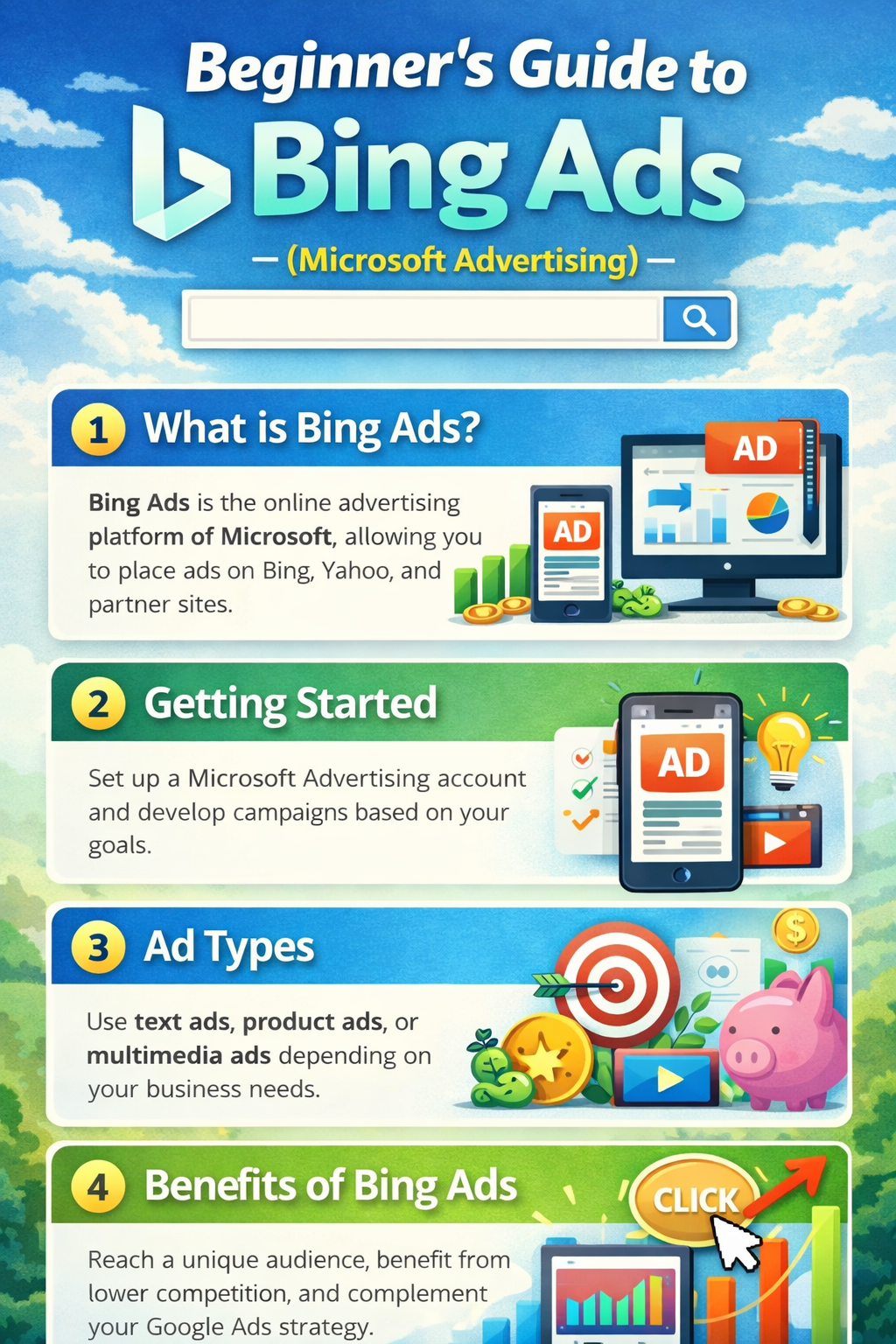
Structured visualization of Microsoft Advertising components and terminology.
Why Consider Bing Ads in 2026?
-
Lower competition: Bing often has fewer advertisers than Google, which may mean lower cost-per-click environments.
-
Rich audience data: The platform supports targeting using LinkedIn profile data and in-market segments.
-
Easy Google import: You can bring Google Ads campaigns into Microsoft Advertising to expand reach.
-
Diverse ad formats: Search text ads, Shopping/Product ads, audience ads, and responsive search creatives.
Getting Started: Account & Campaign Setup
- Create a Microsoft account: Sign in at the Microsoft Advertising site and answer initial business details.
- Choose your campaign goal: Define what you want — e.g., website traffic, leads, or product sales.
- Set budget and bidding: Decide a daily budget and a bid strategy that aligns with your goals.
- Structure campaigns & ad groups: Organize ads around themes or product groups.
- Launch & monitor: Review performance metrics regularly and adjust.
💡 Tip: Start small and incrementally expand your budget as you understand what performs best.
Core Ad Types
-
Search Ads: Text ads that show on Bing search results.
-
Product/Shopping Ads: Show product images, pricing, and details for ecommerce inventory.
-
Audience Ads: Placements across Microsoft Audience Network (e.g., MSN, Outlook).
Each type serves different parts of the funnel — from discovery to purchase — so choose based on your objectives.
Keyword Strategy & Targeting
-
Keyword research: Use Microsoft’s Keyword Planner to find relevant terms.
-
Match types: Choose broad, phrase, or exact match carefully.
-
Negative keywords: Prevent wasted spend by excluding irrelevant terms.
Organized ad groups with tightly related keywords help improve relevance and quality measures.
Tracking & Optimization Best Practices
-
Conversion tracking: Use UET (Universal Event Tracking) to monitor actions like form fills or purchases.
-
Regular review: Weekly or biweekly, check search terms, bids, and audience performance.
-
Ad refresh: Rotate headlines or descriptions to maintain relevance.
Data-driven adjustments often support better efficiency than one-off changes.
Platform Policies & Best Practices
Microsoft Advertising has content and targeting policies to keep ads safe and compliant. Ensure:
-
Accurate business info and billing details
-
No deceptive or prohibited content
-
Measurement tags implemented with user consent and privacy disclosures
Always check region-specific ad policies inside the Microsoft Advertising portal.
Common Myths & Pitfalls
-
“Lower CPC guaranteed”: Click costs vary widely by industry and keyword.
-
Import = optimization: Imported Google campaigns often need refinements.
-
Easy traffic = conversions: Cheap clicks are not always high quality — test and measure carefully.
Meta Description
Beginner’s guide to Bing Ads (Microsoft Advertising) in 2026: setup, ad types, keyword strategy, tracking basics, and compliance-safe best practices for search marketing.
FAQ
Q1: Is Bing Ads still relevant in 2026?
A: Yes. Microsoft Advertising continues to support search and audience campaigns across Bing and partner properties.
Q2: Can I reuse Google Ads campaigns?
A: You can import them, but it’s often beneficial to tailor them to Microsoft’s audience profiles.
Q3: What’s UET tracking?
A: UET (Universal Event Tracking) helps measure conversions and user actions from your ads.
Trusted Sources & Standards
-
Microsoft Advertising official support and documentation (general platform guidelines)
-
PPC industry best practices for search advertising
-
SEO & digital marketing educational resources
Disclaimer
This content is provided for general educational purposes only. Advertising results vary by platform rules, audience behavior, business context, and execution. This content does not constitute legal, financial, or business advice.